


Support
We have provided technical support for over a thousand well-known brands and platforms
Have you bought the product but don't know how to use it?
Look here ~ Kuhemi After-sales User Guide
Kuhaimi's Full-process User Guide
Dear Kuhi Mi user friends:

Thank you sincerely for choosing Kuhaimi!

Every trust makes us cherish it all the more. To help you get started with the device quickly, we have compiled this "from Beginner to Worry-free" thoughtful guide.

All the tutorials, Q&A sessions and technical support you care about are right here!

01
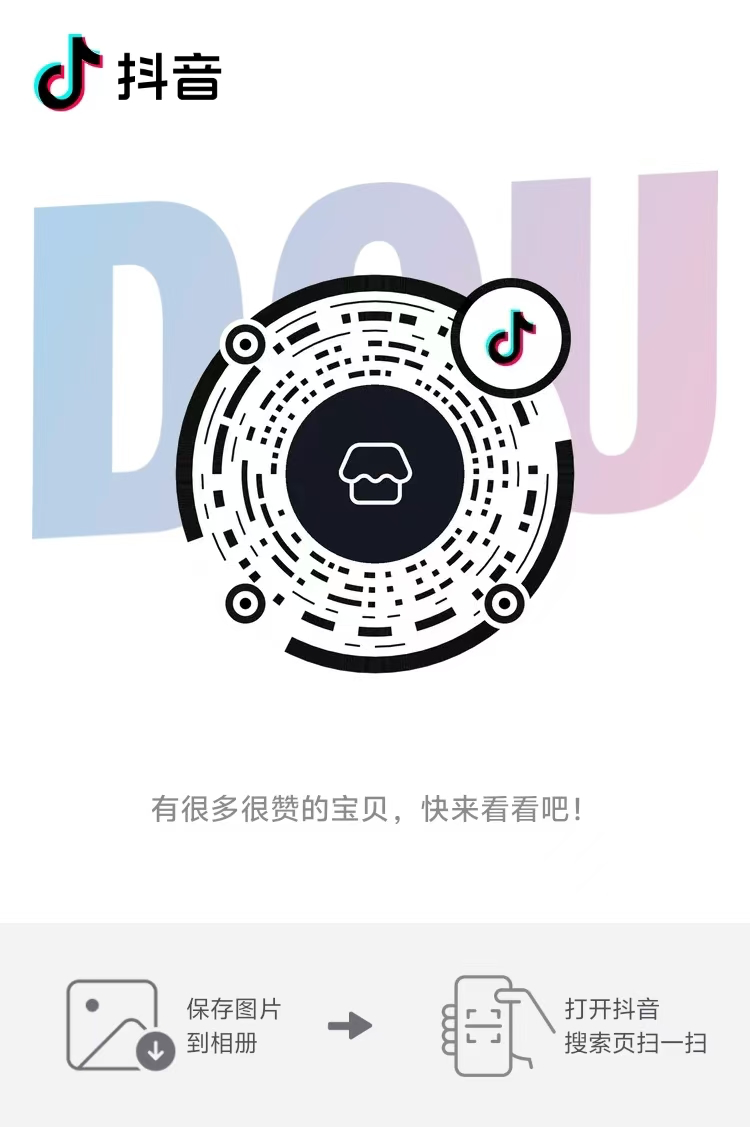
Get the tutorial in 3 seconds: Scan the code to directly access the video teaching
Encountered connection or operation issues? Don't panic!


Step 1: Scan the QR code of the official video account of Kuhi Mi;


Step 2: Click on the corresponding product model to view the tutorial


Step 3: Watch the full video demonstration, and we'll guide you step by step from signal source wiring to display Settings!


Scan the code to follow and learn → 5-minute crash course
02
Dedicated technical teachers, one-on-one online rescue
If the video tutorial still fails to solve the problem, scan the exclusive QR code below. Contact the technical teacher quickly!


Step 1: Scan the QR code of the official video account of Kuhi Mi;


Step 2: Click on the corresponding product model to view the tutorial


Step 3: Watch the full video demonstration, and we'll guide you step by step from signal source wiring to display Settings!

One-on-one online rescue
03
Essential for efficient Q&A: Communicate this way to solve problems faster!
After adding wechat, please follow the steps below:


  • Step 1
    Shoot the complete connection video

    Record in landscape mode with a mobile phone, shooting the entire process from the signal source interface → cable → display port (ensuring that the interface details are clearly visible).

  • Step 1
    Shoot the complete connection video

    Record in landscape mode with a mobile phone, shooting the entire process from the signal source interface → cable → display port (ensuring that the interface details are clearly visible).

  • Step 2
    Shoot the complete connection video

    Directly describe the phenomena, such as "black screen upon startup" or "frequent signal interruptions", and describe them based on the actual situation.

  • Step 3
    Stay online and wait.

    The technical instructor will analyze the video and provide remote operation guidance within 5 to 15 minutes!

04
Service time
Service support: 9:00-22:30 on working days (technical teachers are online in real time)


Kuhi Mi promises:

The service will not be terminated until the problem is solved!

Just enjoy making money through live streaming, and leave the rest to us!

Finally, I wish all the bosses a great success in live-streaming sales and a lot of income!